
CookieCaddie turns any shape you draw or trace into a real, 3D-printable cookie cutter — with embossed lettering and detail pressed right in.

Free on iPhone and iPad. Requires iOS 17 or later.
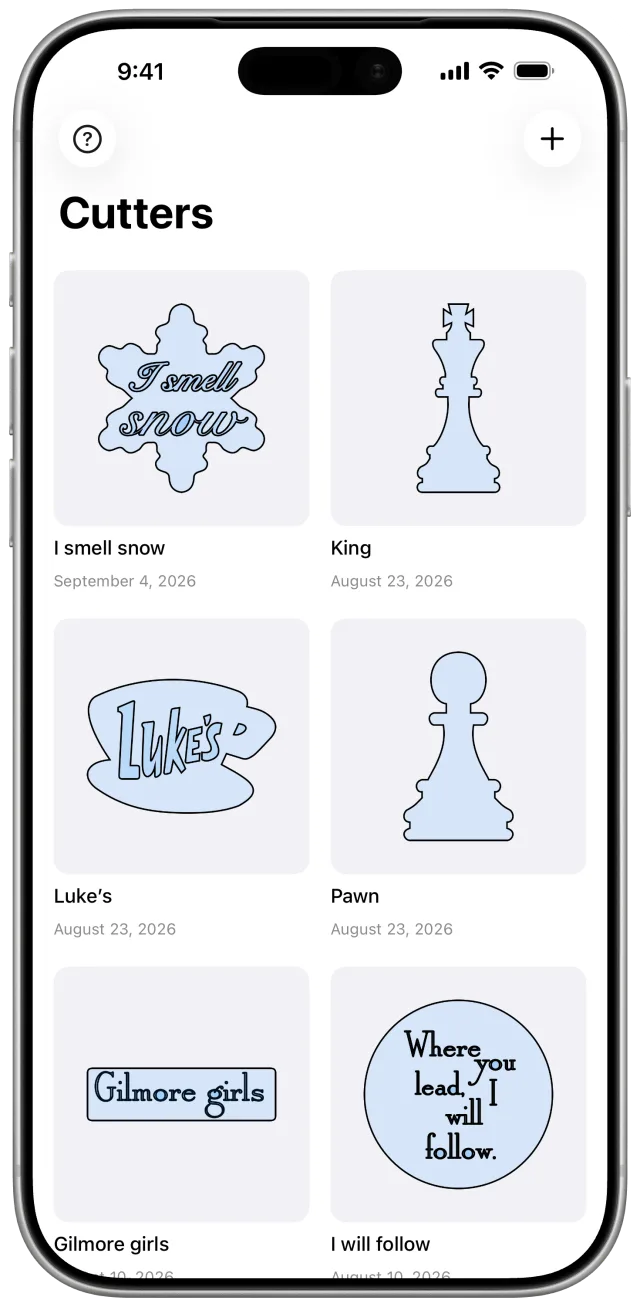
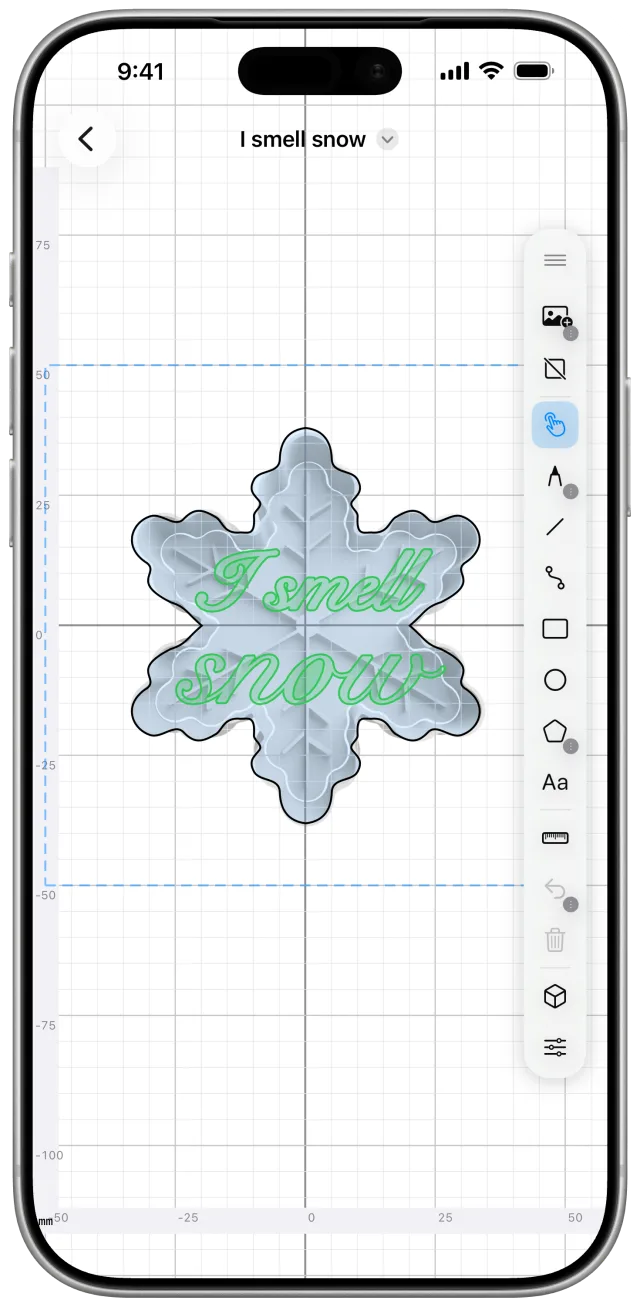
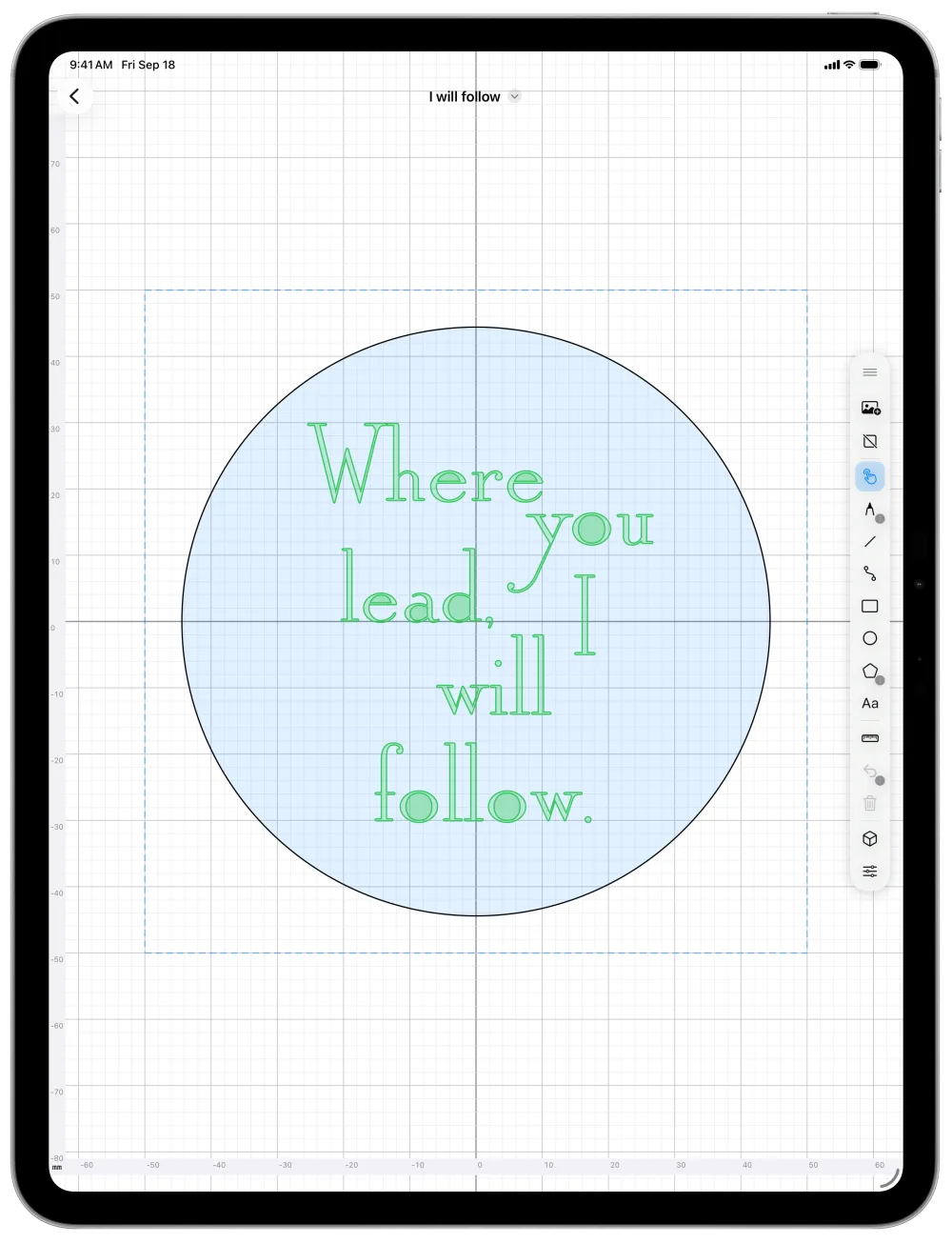
Draw an outline with freehand, shapes, or curves, sized to a real cookie. You can also trace a photo.
Anything drawn or typed inside the outline stamps into the cookie's face instead of cutting through.
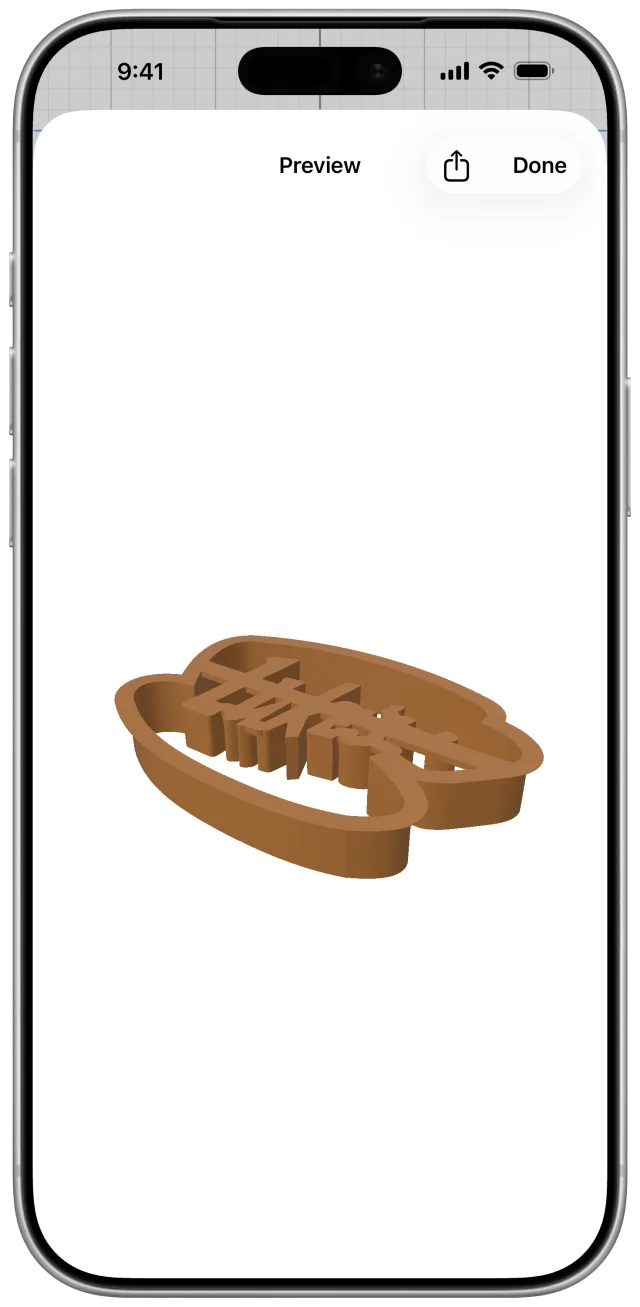
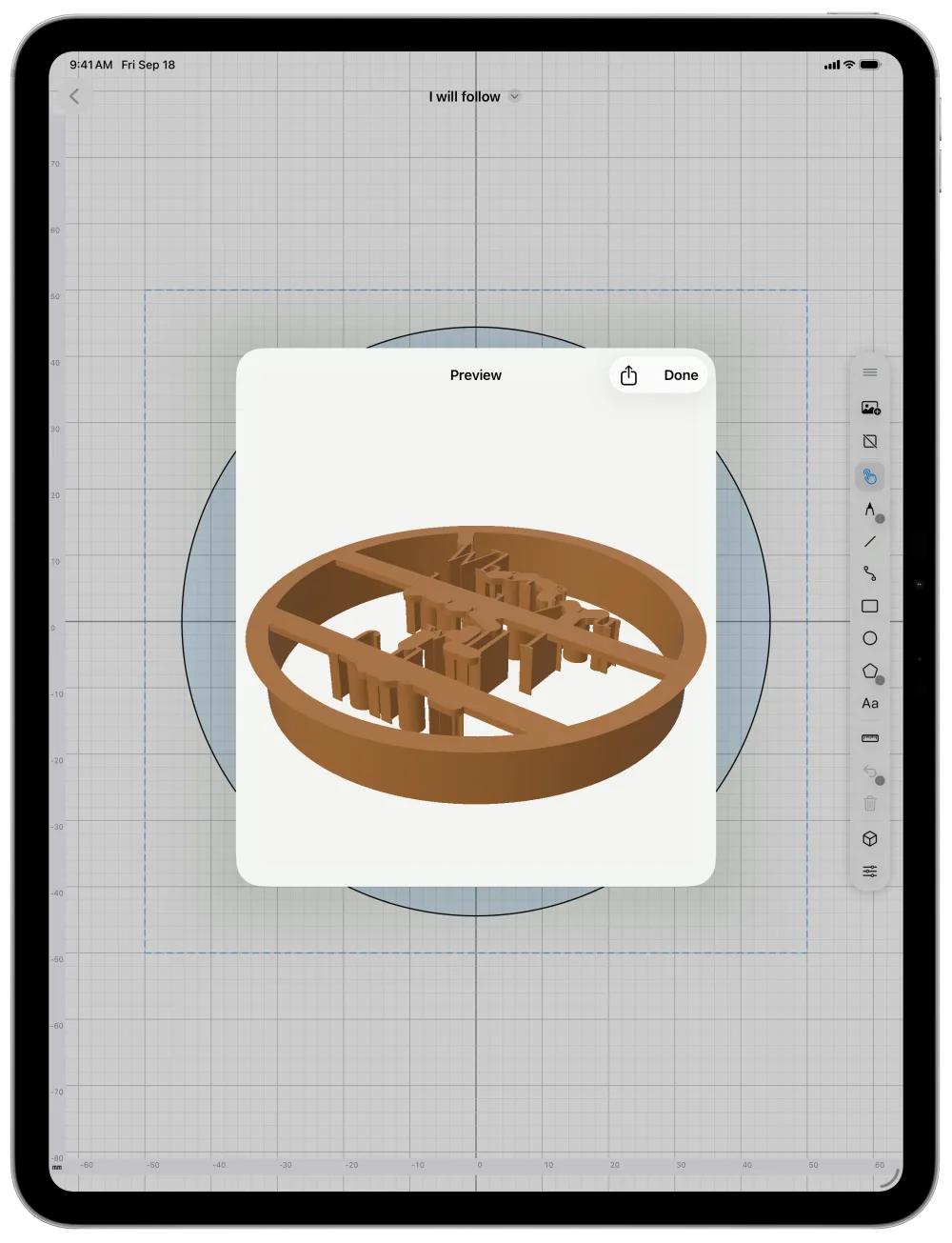
Check it in 3D, then export one watertight STL, validated before it reaches your slicer.
Print it on your own printer, then cut the dough, press the detail, and bake.
Freehand, line, curve, rectangle, circle, and polygon tools, with node-level editing on any path.
Import a reference image and sketch your outline right over it.
Shapes drawn inside your outline — or a name typed with the text tool — press into the dough instead of cutting through it.
Embossed detail is held up by thin struts back to the wall, not a solid cap, so most of the top stays open and your cookie pushes free.
Adjustable blade, wall, and flange dimensions — and every export is checked as a single watertight solid before it ever reaches your STL file.
Spin and zoom your cutter right in the app before exporting — see exactly what you're about to print, no separate viewer needed.
Flip your drawing horizontally, vertically, or both, and keep both halves in sync as you edit.
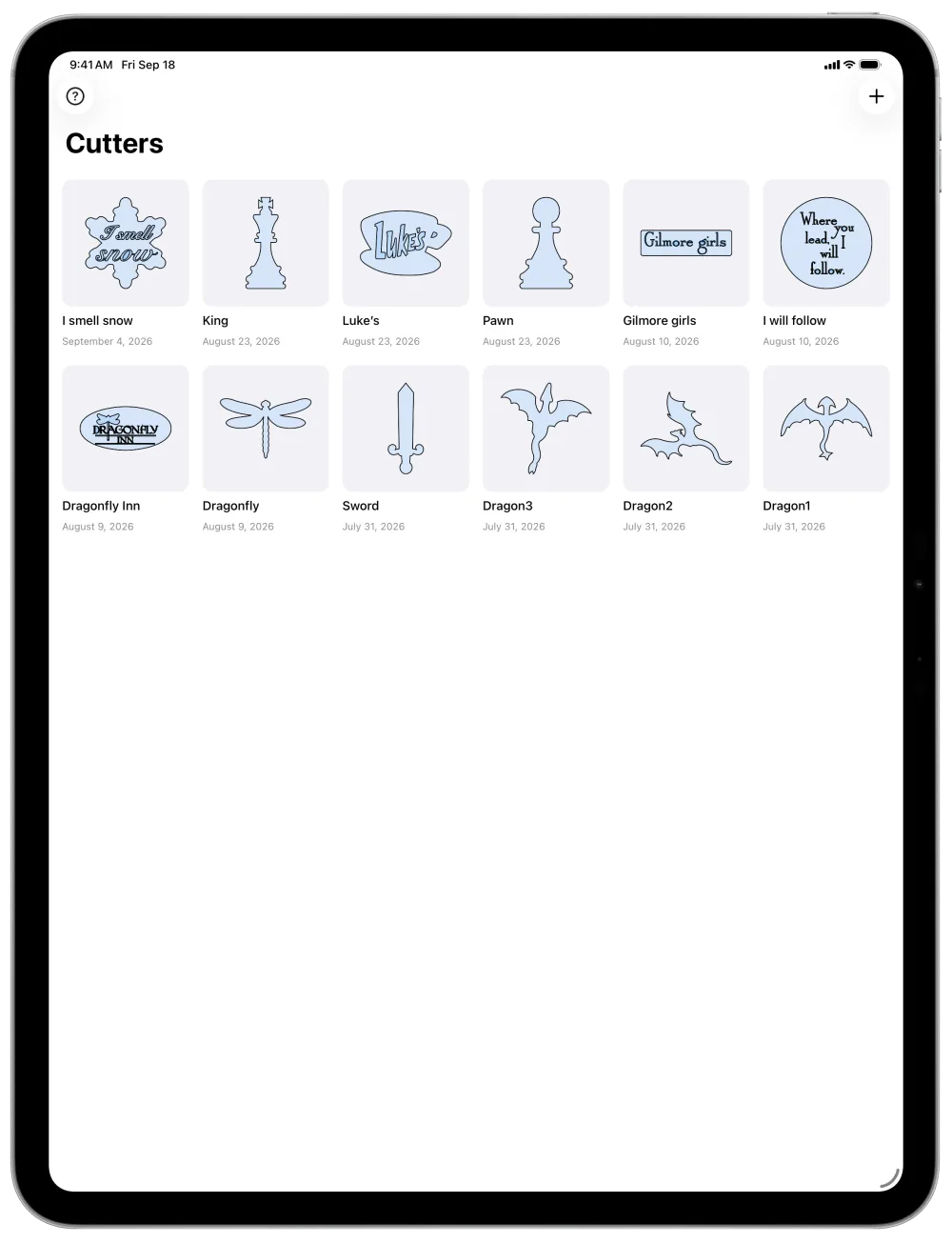
Save, rename, and organize every cutter you make. Export a design file to back it up or share it.
A universal app that works comfortably in millimeters or inches, whichever you think in.
.cookiecutter) from the preview, or touch and hold a cutter in your library and tap Share Design File. Open it on any device with CookieCaddie.